buerli.io · the SDK for ClassCAD
buerli puts the ClassCAD engine inside your JavaScript: in a Web Worker in the tab, or across a socket to a server. You write the part as code; it draws into your own three.js scene.
↑ the numbers in the code are live: click one
01The model is code
No file to export, no viewer to embed. The part is a function of your props: change them and ClassCAD rebuilds it, the way the workbench above just did.
- 01A live ClassCAD session, by nameThe hook opens the session and hands back a Geometry component; the engine runs wherever init put it.
- 02Your model is a functionupdateSprocket is yours: plain async code that calls api.v1, the same 264 methods ClassCAD has everywhere. The hook runs it again when teeth or strands change.
- 03The result, in your sceneGeometry suspends until the model is ready and draws into your own react-three-fiber canvas, next to anything else in it.
- import { useBuerliCadFacade } from '@buerli.io/react'
- import { Canvas } from '@react-three/fiber'
- function App({ teeth, strands }) {
- const { Geometry } = useBuerliCadFacade(
- 'with-claude-sprocket',
- (api) => updateSprocket(api, { teeth, strands }),
- [teeth, strands]
- )
- return (
- <Canvas>
- <Geometry />
- </Canvas>
- )
- }
02Where it runs
One call decides where the engine lives. Everything after it, your hooks, your model code, your scene, stays exactly the same.
- import { init, WASMClient } from '@buerli.io/classcad'
- init(id => new WASMClient(id, { token: 'ccpk_…' }))
ClassCAD compiled to WebAssembly, in a Web Worker inside the page. The first visit loads it (about 55 MB, cached after). Nothing to host.
Web Workerno serverkey bound to your origins
03The facade
BuerliCadFacade is the whole ClassCAD API, unwrapped: calls return ids and throw on errors. What comes out is ready for your scene, your files, your numbers.
BuerliCadFacade
facade.createBufferGeometrythree.js geometry, for any scenefacade.createScene{ scene, nodes, materials }<Geometry />react-three-fiber, suspends until readyapi.v1.common.saveOFB · STEP · STLapi.v1.drawing2d.exportSVGdrawings, and DXFapi.v1.part.calculateMassPropertiesvolume, centre of gravity
04In their apps
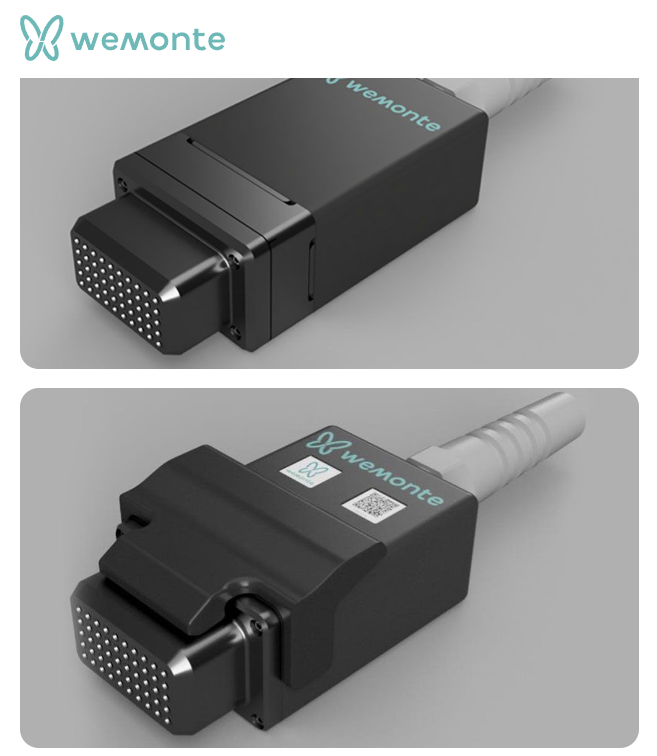
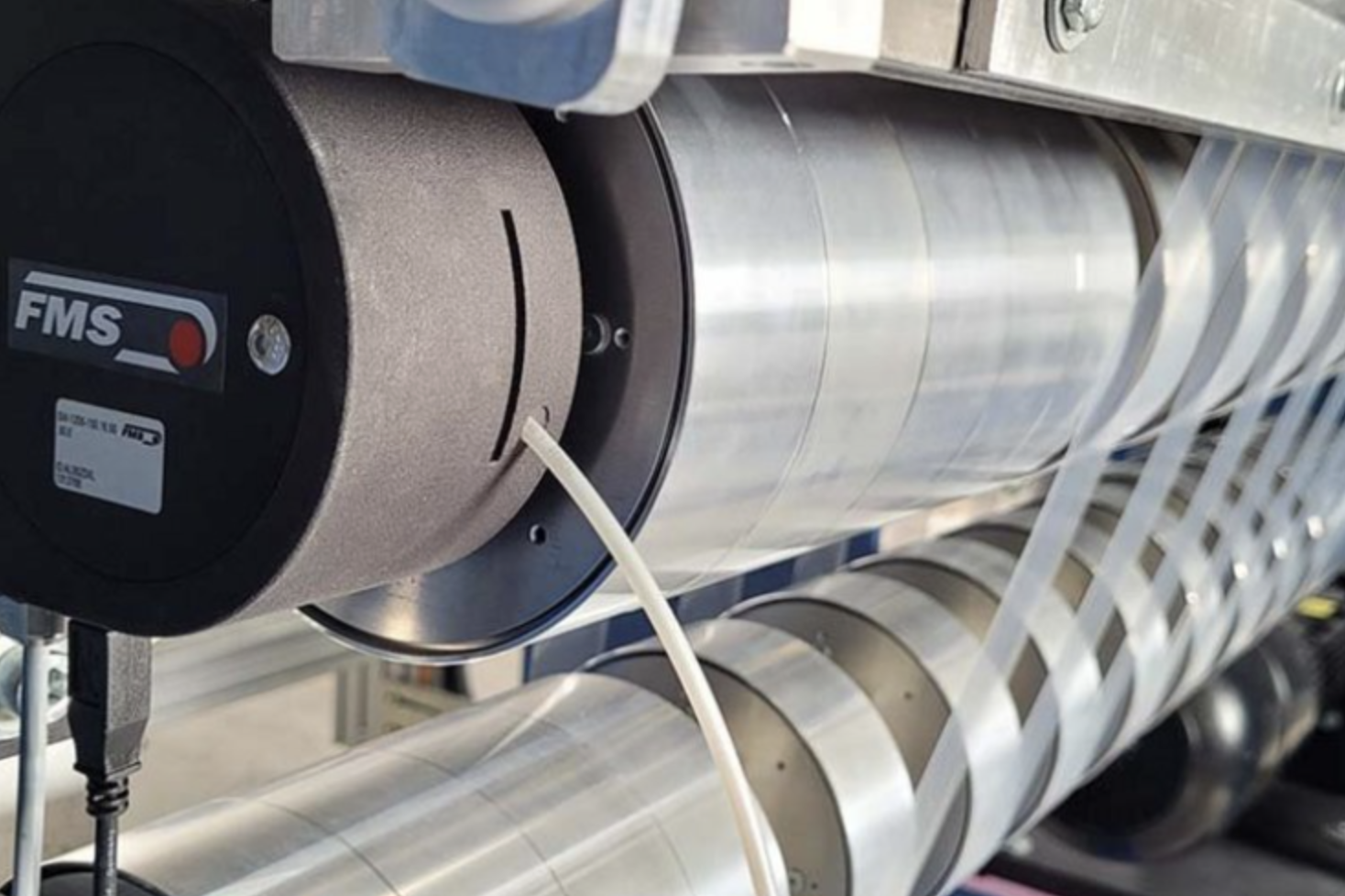
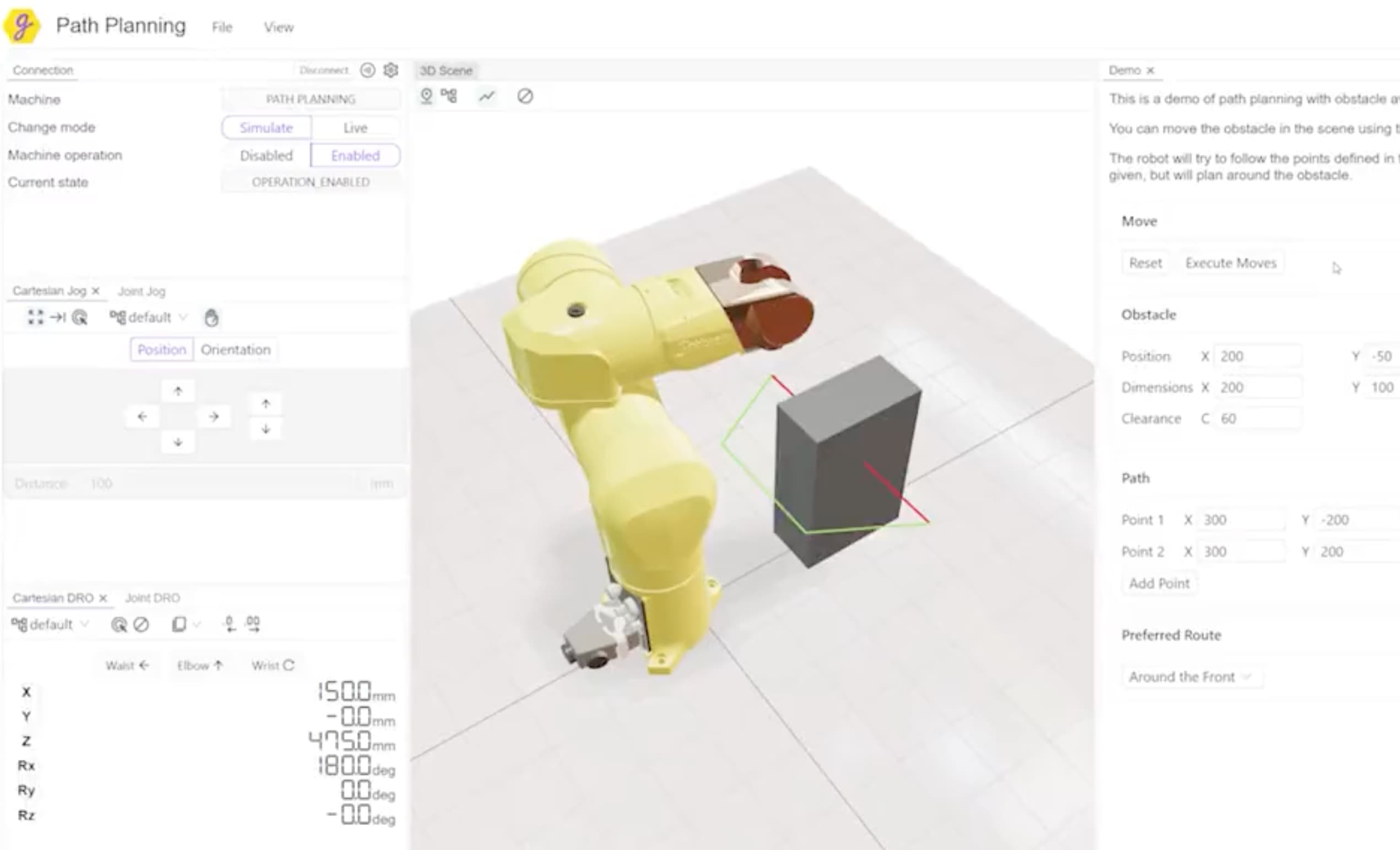
Three teams who put CAD inside their own products.
05Start
- 01
Install
- 02
Get a key
A free ClassCAD account makes one: WebAssembly for the origins you name, native for your servers.
classcad.ch/user → - 03
Build
init once, then useBuerliCadFacade wherever a part belongs. The quickstart has it end to end.
The quickstart →